
Real size or same size
Choose whether a symbol follows the page's scale or keeps its size on paper.
Where to find it
Edit toolOn paper
Steps
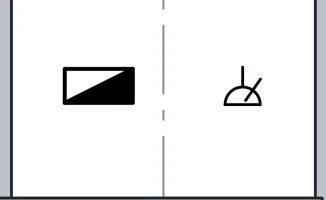
Here at 1:100: a distribution board, which is Real size, and a socket outlet, which is Same size.
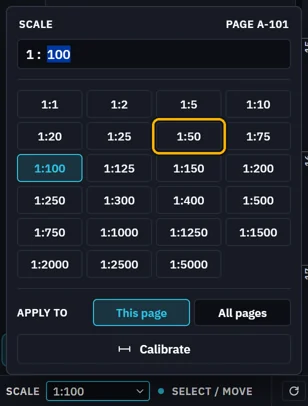
Change the page's scale, here to 1:50.
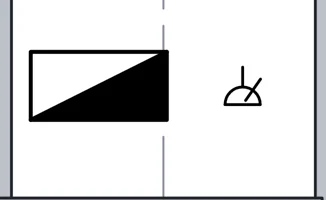
The Real size copy is drawn at the new scale. The Same size copy keeps its size on paper.
Set it in the tool's tab, under On paper in its properties.
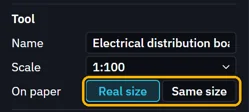
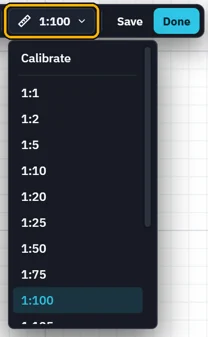
Tool scale in the tab's bar is the scale the tool is drawn at.
Was this page helpful?
Updated 6 November 2026