
Label pages with sheet numbers
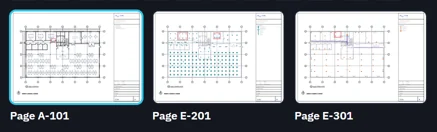
Show A-101, not page 1, on every thumbnail.
Where to find it
Pagesright-click a pageLabel…
Steps
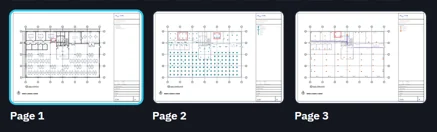
In Pages, the pages read 1, 2, 3.
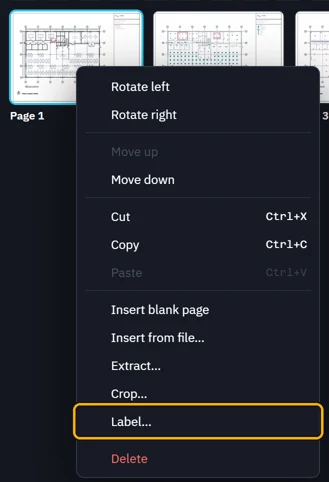
Right-click the first page, then Label….
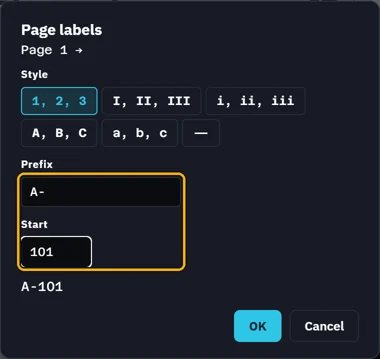
Pick a Style, type a Prefix and a Start, then OK.
The numbers run on to the next labelled page.
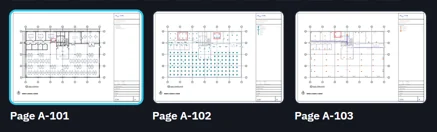
Label each page where the numbering changes.
 Tip. Save writes the labels into the PDF.
Was this page helpful?
Updated 6 November 2026