
Go to a page
Type a page or sheet number, or click its thumbnail.
Where to find it
ViewNext page
Steps
Click the page box in the status bar. Type a page number, then press Enter.
 Tip. A sheet's label works too, such as E-201.
The arrows step one page. So do PgUp and PgDn.

Home goes to the first page, End to the last.
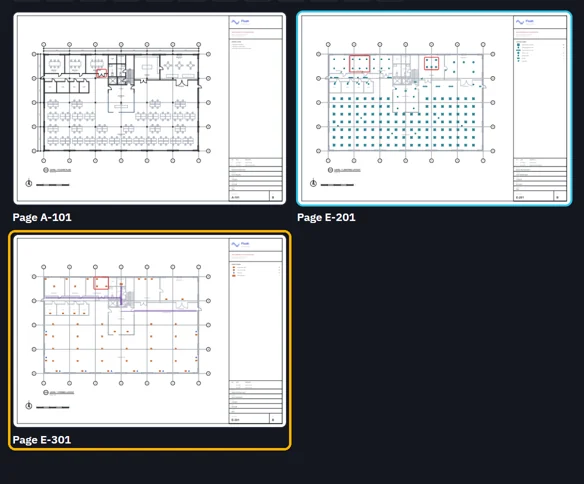
Or click Pages in the pull-up bar, then click a page.
Was this page helpful?
Updated 6 November 2026