
Copy pages between documents
Drag pages from one PDF into another, markups and all.
Where to find it
Split view on the status bar, then Pages in both
Steps
Open both PDFs, then click Split view on the status bar.

Open Pages on both sides. Drag pages from one onto the other's thumbnails.
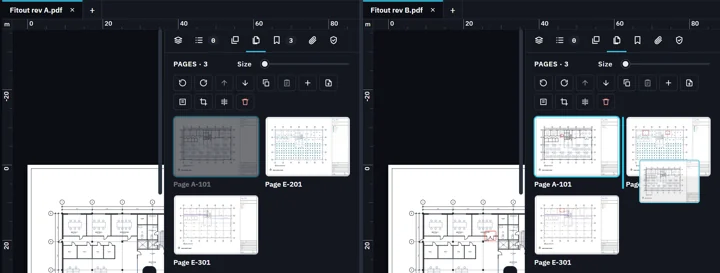
They go in where you drop them, with their markups.
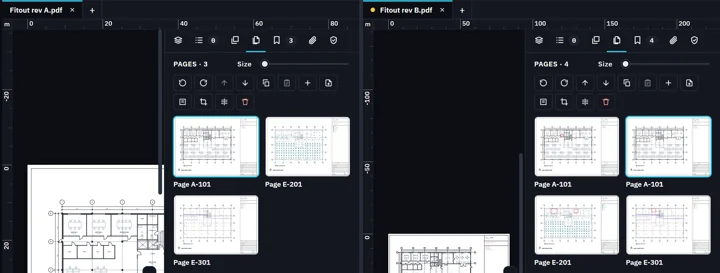 Tip. Or click Copy in one PDF's Pages view, then Paste in the other's.
Was this page helpful?
Updated 6 November 2026