
Work on a shared PDF
Everyone's markups, live, in one PDF.
Where to find it
Collaboratea projectOpen
Steps
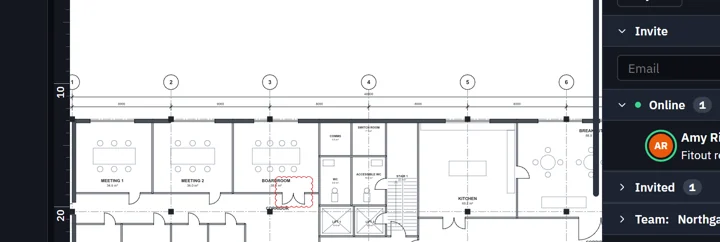
Click Open beside the PDF in the project's panel. It opens in a tab with the people symbol.

The status bar says it is live, and who is online.

Collaborate shows who is in and on which page.
 Tip. What you see of other people (cursors, selections, drawing in progress) is in Settings › Collaborate.
Was this page helpful?
Updated 6 November 2026