
Mark up text
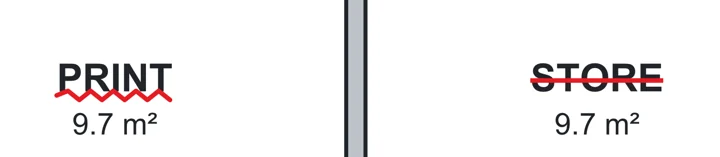
Highlight, underline or strike out the drawing's own words.
Where to find it
ToolsUnderline
Steps
Tools › Highlight text, Underline, Strikeout or Squiggly.
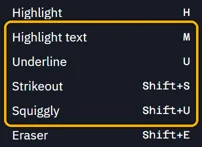 Tip. Their keys: M, U, ShiftS and ShiftU.
Drag across the words, starting on the first one.
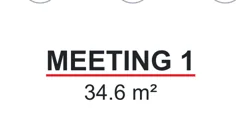
Or double-click a single word.
Was this page helpful?
Updated 6 November 2026