
Take a snapshot
Copy part of a drawing, lines and all, onto any sheet.
Where to find it
Snapshot
Steps
Pick Snapshot at the foot of the toolbar, or press X.

Drag round part of the drawing. Fluah says Snapshot copied.
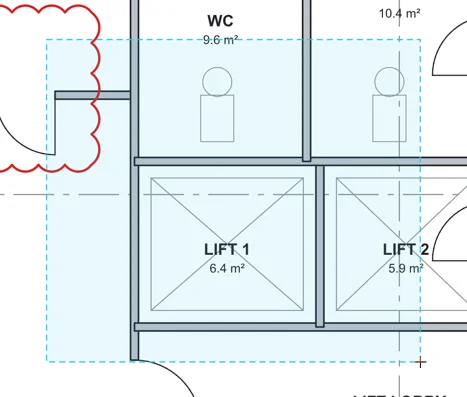
Press CtrlV to paste it, on this sheet or another.
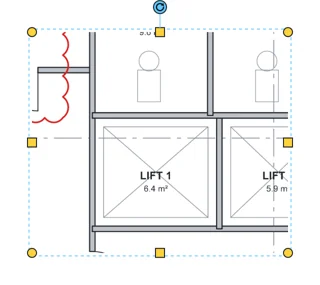
Its lines are in Lines in Properties, a row for each colour. Click an eye to hide that colour.
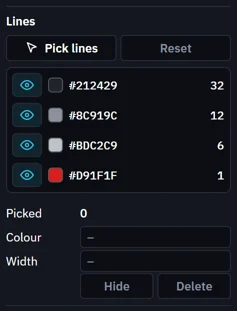
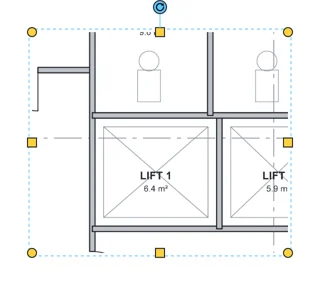 Tip. Pick lines picks single lines, to change their colour or width, hide or delete them.
Was this page helpful?
Updated 6 November 2026