
Start a takeoff job
Add the drawings. Each page becomes a sheet to count.
Before you begin
Download the sample drawings: revision B is the current issue, revision A the one before it.
Where to find it
EstimateAdd files
Steps
In Estimate, click Add files and pick the drawings. Add folder takes a whole folder.

Each page is a sheet. A new job takes its first folder's name.
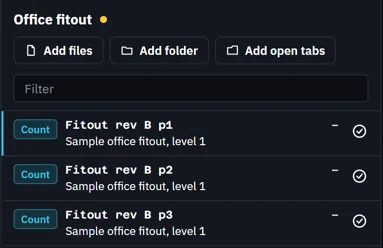
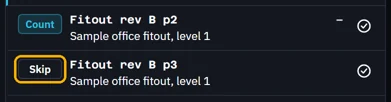
Click a sheet's Count to make it Skip and leave it out.
Press CtrlS to save the job as a .fluahjob file.
 Tip. Open job opens a saved job again.
Was this page helpful?
Updated 6 November 2026