
Add a signature field
Mark the spot where someone else signs.
Where to find it
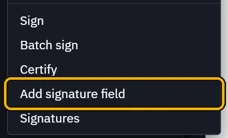
DocumentAdd signature field
Steps
Open Document › Add signature field.
Drag a box where the signature goes. Name the field, then Add.
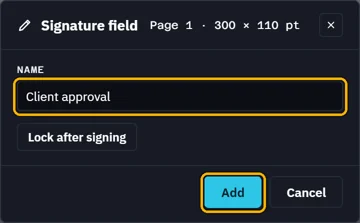 Tip. Lock after signing locks the PDF's fields once it is signed.
The field is on the page, ready to sign.
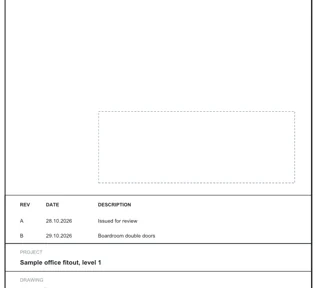
Signatures lists it as unsigned. Its Sign signs it.

Was this page helpful?
Updated 6 November 2026