
Make a symbol
Turn markups you drew into a tool you can place again and again.
Where to find it
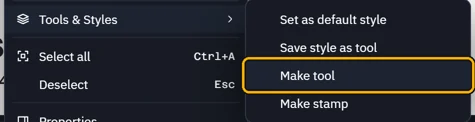
Tools & StylesMake tool
Steps
Draw the symbol with markups.
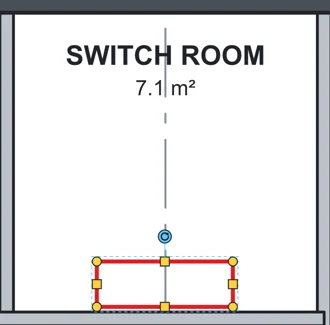
Select it. Right-click › Tools & Styles › Make tool.
 Tip. Select several markups to make one tool of them all.
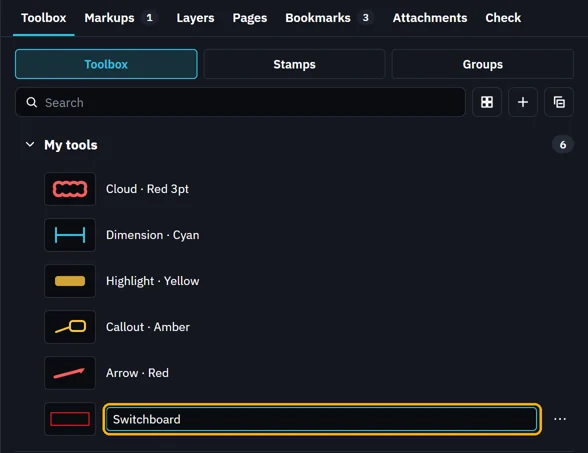
The Toolbox opens with the new tool. Type its name and press Enter.
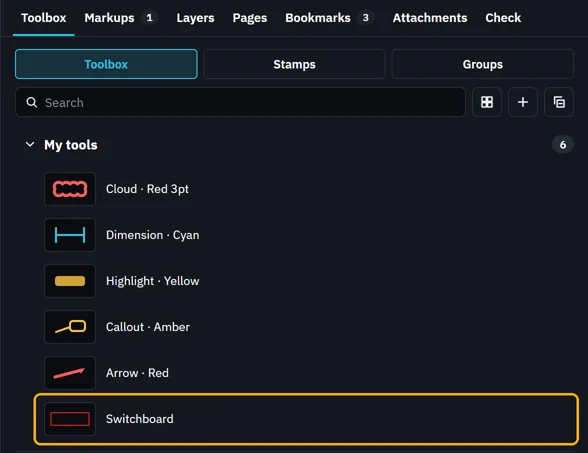
It is in My tools, ready to place.
What’s next
Was this page helpful?
Updated 6 November 2026