
Make a new PDF
A blank, grid, dot or lined PDF at any paper size.
Where to find it
FileNew PDF, or CtrlN
Steps
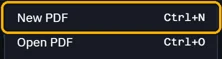
Open File › New PDF, or press CtrlN.
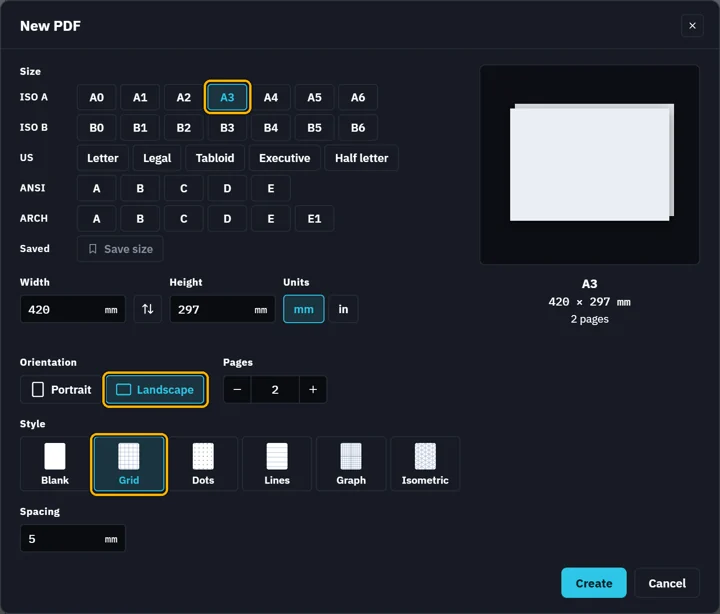
Pick a size, the orientation, how many pages and a style, then Create.
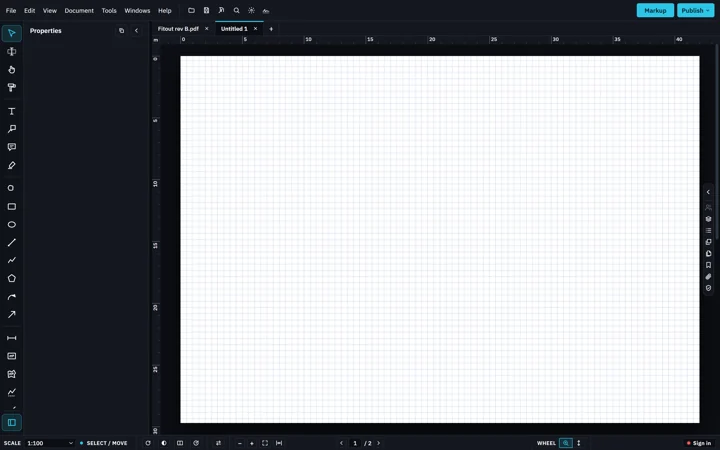
The new PDF opens in a tab of its own.
 Its first Save asks where to keep it.
Was this page helpful?
Updated 6 November 2026